How to Qualify Website Visitors Without a Form: A Step-by-Step Playbook
May 20, 2026



TL;DR
The form creates an illusion of qualification: someone submitted, therefore they're interested. But submission rate and purchase intent are not the same signal, and optimizing the former while ignoring the latter is why so many inbound pipelines are full of names and empty of revenue. The answer isn't a shorter form or a better CTA. It's a different interaction model — one that qualifies visitors in the moment, captures intent signals in context, and removes the friction that's silently eroding your demo conversion rate. Here's exactly how to build it.
Here's the thing most teams miss: a form was never designed to qualify. It was designed to collect contact information. And even at that, it's failing.
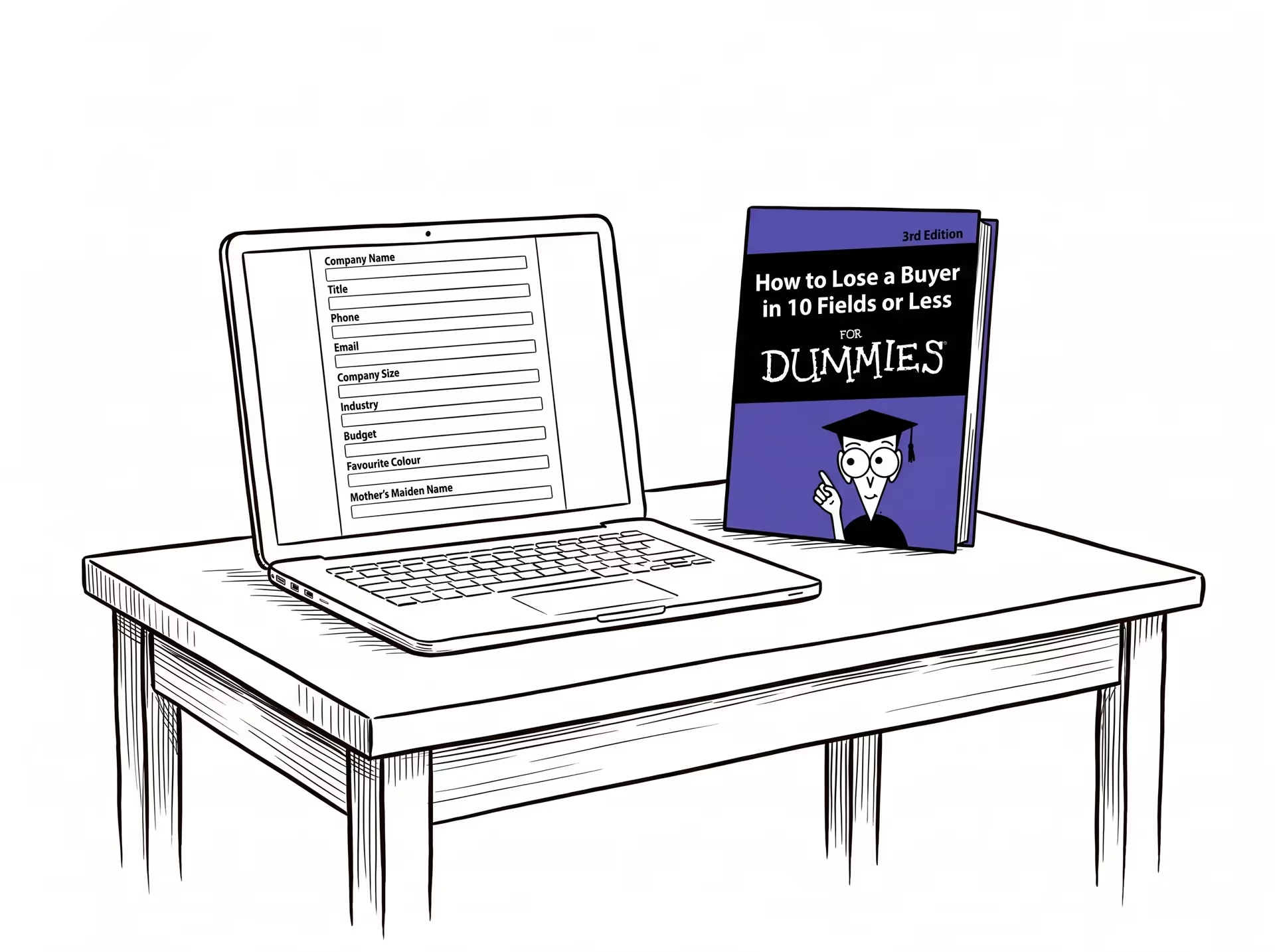
According to a 2024 HubSpot analysis, each additional form field decreases conversion rate by an average of 4.1%. Forms with more than five fields see a 30% drop in completion rates (MarketingSherpa, 2024). More than 67% of visitors who encounter any friction on a form abandon it entirely — and only 20% ever follow up with the company on their own (research cited by WPForms). So the form is failing at contact data collection and producing zero qualification data. Both problems at once.
A name and email address don't tell you whether this visitor has budget, whether they're the decision-maker, whether they're evaluating now or in six months, or whether they fit your ICP at all. The form hands your SDR a name to call. It doesn't hand them a qualified lead.
The deeper issue: a form is passive. It waits for the buyer to declare themselves. But according to 6sense's 2024 Buyer Experience Report, 81% of B2B buyers have already picked a preferred vendor before they ever speak to sales. They're not waiting to be qualified. They're already deciding. And your form shows up at exactly the wrong moment in that process.
A form can capture a job title. It can't tell you whether the person holding that title has the authority to sign or the urgency to move.
Qualification gets used loosely. Worth being specific.
To qualify a website visitor, you need to know three things: fit, intent, and readiness.
Fit is whether this visitor matches your ICP. Company size, industry, role, use case. The criteria your sales team uses to decide if a lead is worth pursuing.
Intent is whether they're actively evaluating a solution. Browsing a blog post is not intent. Spending eight minutes on your pricing page, returning twice in a week, and asking a product question — that's intent.
Readiness is timing. Are they evaluating now, or doing background research for a decision six months out? Both might be ICP fits. Only one of them converts this quarter.
A form can't answer any of these reliably. That's the framework. Everything in this playbook is built around capturing these three signals — without a form in sight.
Visitors tell you who they are through behavior long before they say a word. The pages they visit, how long they stay, what they scroll past, and how often they return — these are all signals. Reading them before engaging is what separates a timely, relevant interaction from an intrusive pop-up.
A single homepage visit with a two-second session is not intent. It's traffic.
A content download without follow-on page activity is not evaluation. It's research gathering, often early-stage.
Someone who hits a pricing page via a paid ad and bounces in under thirty seconds was probably clicking out of curiosity, not consideration.
The distinction matters because triggering a qualification interaction too early — before genuine intent signals are present — is as bad as not triggering one at all. You interrupt a browser and they associate friction with your brand.
Once you've identified a high-intent visitor, showing them a form is the worst possible response. They're at their most engaged. A static field asking for name, company, and "how can we help?" is a conversion killer precisely when conversion is most possible.
Open a conversation instead.
Not a scripted chatbot tree. A chatbot that runs out of pre-written branches and defaults to "I'll connect you to a human" introduces the exact delay you're trying to eliminate. The visitor came to get a question answered. Sending them to a form — or to a waiting room — is the same dead end in different clothing.
The conversation should do two things simultaneously: answer the visitor's actual question and gather qualification signal in the process.
A chatbot script starts with "Hi! How can I help you today?" and immediately reveals that it can't actually help with anything specific.
A qualifying conversation starts where the buyer is. The mechanism is context-awareness: the conversation reads the page the visitor is on and opens there.
If they're on your pricing page, the conversation addresses pricing. Something like: "You're looking at our Enterprise tier — most teams in your situation are trying to figure out whether the per-seat model works at their scale. What's your current team size?" That's a qualifying question that feels like a helpful question because it is one.
Compare that to a generic opener. The generic version signals "I'm a bot following a script." The context-aware version signals "I know where you are and I can help you move forward." That distinction is what drives engagement — and it's what makes qualification feel like a conversation rather than an interrogation.
Read more: How to Qualify Inbound Leads with AI
Read more: Traditional lead generation chatbots are dead
Most AI agents on B2B websites run on open-ended LLM inference. When a buyer asks about a specific integration or a security compliance requirement, they either produce a plausible-sounding answer that is wrong, or they route back to a form. Neither outcome advances the conversation. Docket's AI Marketing Agent answers only from your approved product knowledge — the Sales Knowledge Lake™, a governed foundation that unifies your product docs, pricing logic, security FAQs, and competitive positioning. If a question falls outside that approved knowledge, the agent escalates to a human rather than improvising. That is the difference between an AI that qualifies buyers and one that creates liability.
The best qualifying questions are the ones that also help the buyer. Four that work:
None of these feel like qualification criteria. All of them are.
BANT and MEDDIC don't belong on discovery call agendas or form fields. They belong inside the conversation itself, woven into exchanges that feel natural to the buyer.
Here's how each BANT criterion maps to a natural-language question:
Need is usually already visible from the behavioral signal that triggered the conversation. If they came from your AI qualification page and spent three minutes on it, they've self-identified the need. The conversation validates and deepens it.
At the end of a qualifying conversation, you should have: confirmed ICP fit or disqualification, the primary use case, the relevant stakeholders, urgency indicators, and the specific question or concern that brought them to your website.
That's not a form fill. That's a context card. It's everything a rep needs to walk into a first call and skip the "so tell me a bit about your situation" opener entirely.
This structured output from a conversation is what's called an Agent Qualified Lead (AQL). For a deeper look at how AQLs differ from MQLs and why they convert at higher rates, see: What is an AQL?
Here's where most teams lose the conversion even after getting the qualification right. The visitor is engaged, the qualification is complete, and then — the handoff breaks the moment. They get asked to fill in their email, or told someone will follow up, or redirected to a calendar link that requires them to start the process over.
Data from Docket's Conversion Patterns Report makes the stakes clear: next steps surfaced in 91.3% of conversations where a visitor shared their email, compared to just 13.2% of non-converting conversations. That's a 7x separation — the widest gap of any behavioral signal measured across 4,736 production conversations.
The next step isn't optional. It's the conversion mechanism.
Not every qualified visitor needs an immediate human. A visitor who meets your ICP criteria, has clear intent, and has a timeline of "we're exploring options for next quarter" might be better served by a follow-up sequence than a rushed calendar booking.
A visitor who has pricing questions, a specific use case, and a 60-day timeline is a different story. That's a booking.
The rule: match the routing action to the urgency signal. High intent plus near-term readiness routes to calendar. High intent plus longer timeline routes to a follow-up sequence. Disqualified routes to nothing — which is also a valuable outcome, because it protects your sales team's time.
The conversation is only valuable if it survives the handoff. What gets logged to CRM shouldn't be a contact record with a name and email. It should be a context card: the use case they named, the stakeholders they mentioned, the questions they asked, the objections they raised, and the qualification status at the end of the exchange.
When the rep opens that record before the first call, they don't ask "so what brings you to us today?" They already know. That's the difference between a first call that builds momentum and one that restarts the process from zero.
Here's what this motion looks like in production.
A fintech infrastructure provider was driving meaningful inbound traffic to their website. High-intent visitors — global retailers, enterprise tech platforms, financial institutions — were landing on their pricing page and hitting a form redirect. Pricing questions went unanswered. Discovery happened on the first AE call, if the visitor came back at all.
They replaced that motion with Docket's AI Marketing Agent.
In 30 days: 532 buyer conversations from 235+ unique organizations. Not form fills. Two-way conversations with buyers in active evaluation. 26% of those conversations were high-intent pricing and demo inquiries — visitors explicitly asking about costs, minimums, and how to book. Every one of them had previously hit a dead-end form.
37 pre-qualified leads were identified. 10 were flagged for immediate sales action before a single SDR made a call — several had proactively shared budget context in the conversation itself. The agent ran discovery, confirmed product fit, captured contact details, and routed. The AE had full context before the first touchpoint.
4 days from first conversation to booked AE meeting. 32 hours of sales time recovered.
The form wasn't protecting the pipeline. It was the reason the pipeline was leaking.
You need qualification data. A form doesn't give you that. It gives you contact information. A conversation gives you contact information plus intent, fit, use case, urgency, and stakeholder context. The data problem gets solved by replacing the form, not by defending it.
The qualification motion described in this playbook runs on an AI Marketing Agent — not a human SDR. The agent engages every inbound visitor, applies your qualification criteria consistently, and routes automatically, 24/7. Your SDRs handle escalations and high-value follow-up. They're removed from the work of running initial discovery on every visitor who lands on a pricing page. That's not a headcount reduction. It's a headcount reallocation — toward the conversations that actually require human judgment.
Docket's AI Marketing Agent answers only from the knowledge you've approved and uploaded — your product docs, pricing, security FAQs, competitive positioning. It doesn't improvise. If a question falls outside its approved knowledge, it escalates to a human rather than guessing. The guardrails aren't a feature you configure once and forget. They're the foundation the agent runs on.
What happens to my MQL numbers and marketing attribution when form submissions drop?
A: They go down. That is expected and it is not a failure signal — it is the filter working. Traffic to forms is declining as more buyers self-qualify before they reach you. The metric that breaks is MQL volume. The metric that improves is AQL-to-opportunity conversion, which in parallel-run deployments converts three to five times faster. The attribution model shift: add conversation outcome as a data point alongside your existing MQL attribution. RevOps does not need to rebuild attribution on day one — just add one new field to the model already in place.
They go down. That is expected and it is not a failure signal — it is the filter working. Traffic to forms is declining as more buyers self-qualify before they reach you. The metric that breaks is MQL volume. The metric that improves is AQL-to-opportunity conversion, which in parallel-run deployments converts three to five times faster. The attribution model shift: add conversation outcome as a data point alongside your existing MQL attribution. RevOps does not need to rebuild attribution on day one — just add one new field to the model already in place.
You don't need to delete every form on your website to start qualifying visitors conversationally. Here's a practical entry point.
Pricing pages, demo request pages, product comparison pages — these are where your most qualified visitors already land. A visitor on your pricing page is closer to a decision than someone on your blog. Start there, not on the homepage. The first conversations will tell you more about your buyers' actual questions than months of form data.
The conversation is only as valuable as the context card that lands in your rep's queue. HubSpot or Salesforce integration should be configured before the first conversation runs. If the qualification data doesn't survive the handoff, you've replaced a form with a better form. The point is the context.
What makes a visitor worth routing to sales? Be specific. For example: company size above 100 employees, in-market for a solution within 90 days, decision-maker or influencer role confirmed. What disqualifies them — a student, a competitor, a company below your minimum deal size? What signals escalation to an immediate human — a mention of a specific budget range, a security compliance question, a request for a custom proposal? Write these down before the first conversation runs. They govern how the agent qualifies and routes. They don't need to be perfect on day one. They need to be clear enough to start.
High-urgency pricing questions, mentions of specific budget ranges, requests for security documentation, a buying timeline under 30 days — these are moments where a human should step in immediately. Define your escalation triggers and let the agent route to the right rep or Slack notification automatically. The agent handles the volume. The human handles the moments that require judgment.
Get the motion working on your two or three highest-traffic pages before rolling it out site-wide. The qualification data from the first few weeks tells you exactly which questions your buyers are actually asking, which objections surface before they commit, and which ICP signals predict conversion. That data makes every subsequent page deployment sharper.
The form was never really qualifying your visitors. It was giving you the illusion that the pipeline was covered. Replacing it with a genuine qualification motion — behavioral signals, contextual conversation, framework-driven questions, and clean routing — is how you close the gap between traffic and pipeline that's been there the whole time.
Docket is the Agentic Marketing platform for B2B revenue teams. Its AI Marketing Agent opens a real conversation, answers from your approved product knowledge, qualifies intent in real time, and delivers an AQL to your rep.
See how Docket qualifies your visitors without a form. Book a demo!